Trails - Detection Algorithim
The coolest visual feature ever

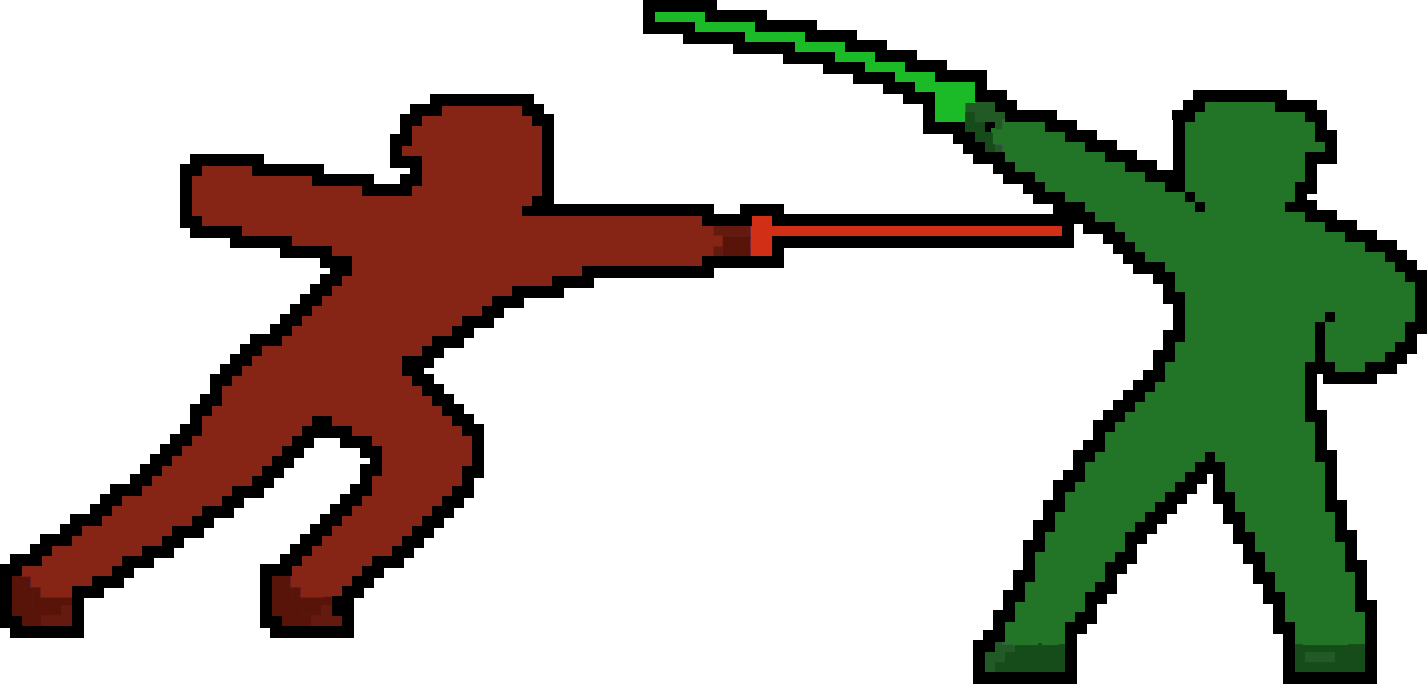
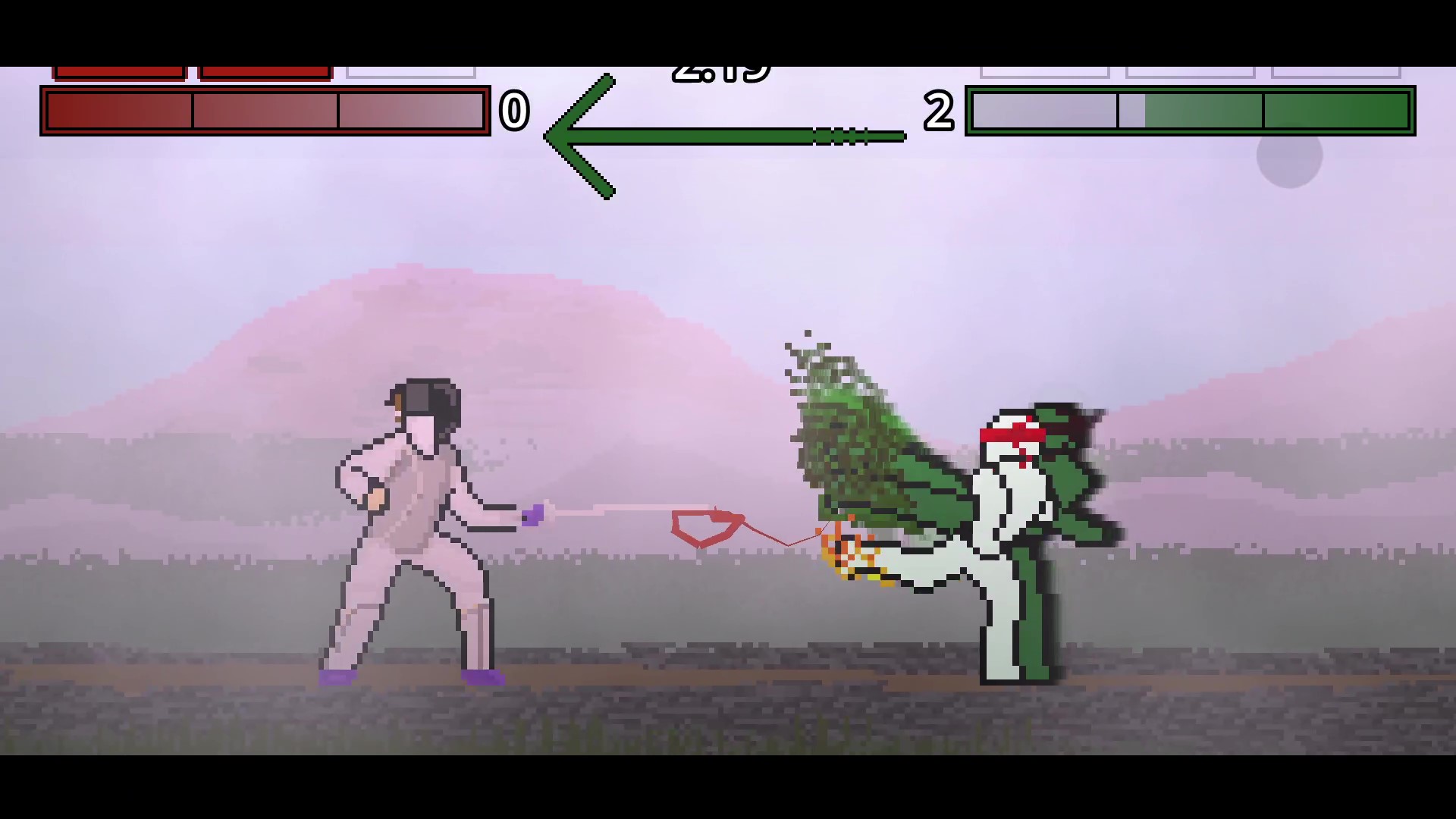
Right of Way needed a visual upgrade. First came the blade trails with their tracking algorithms:
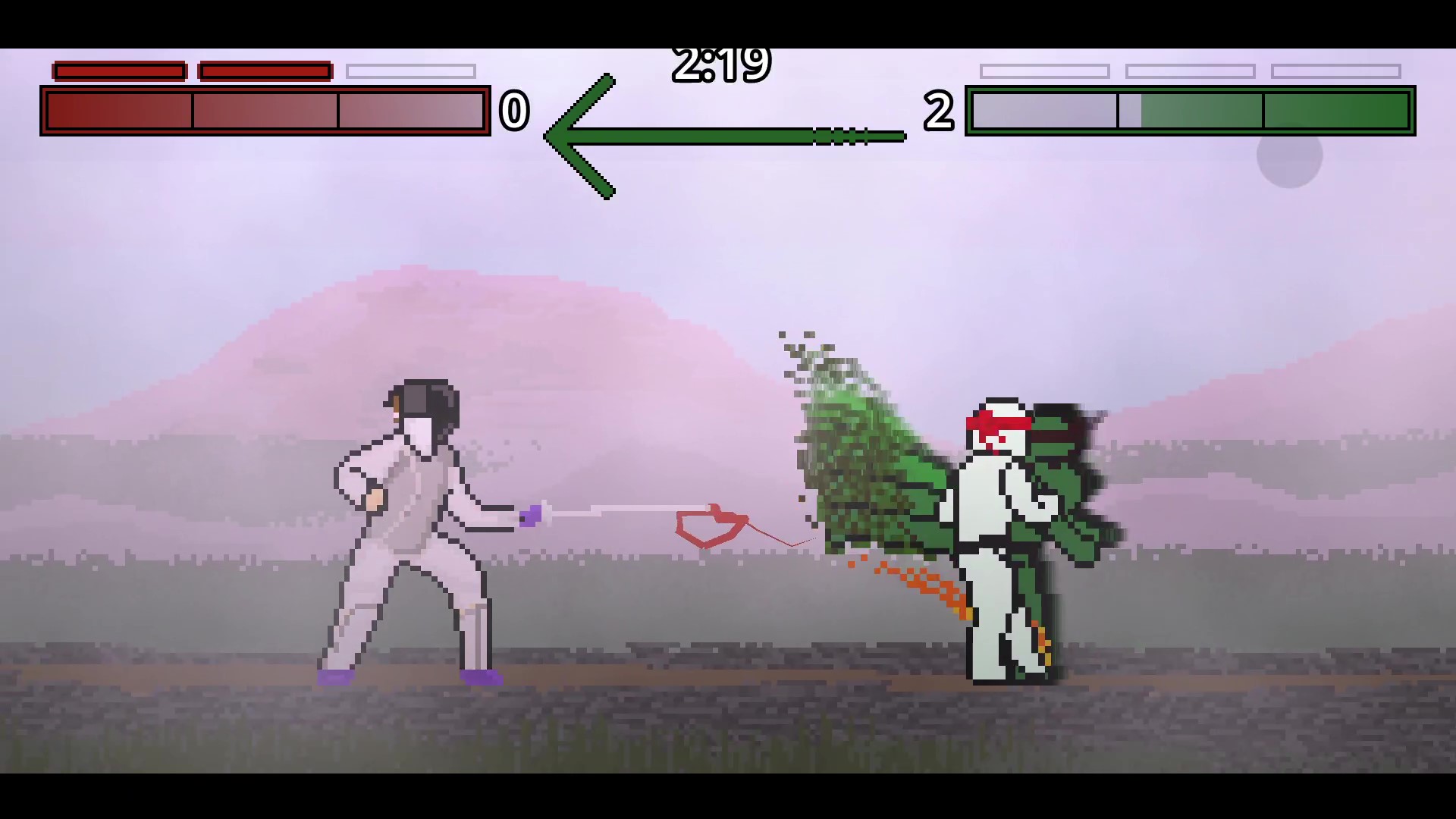
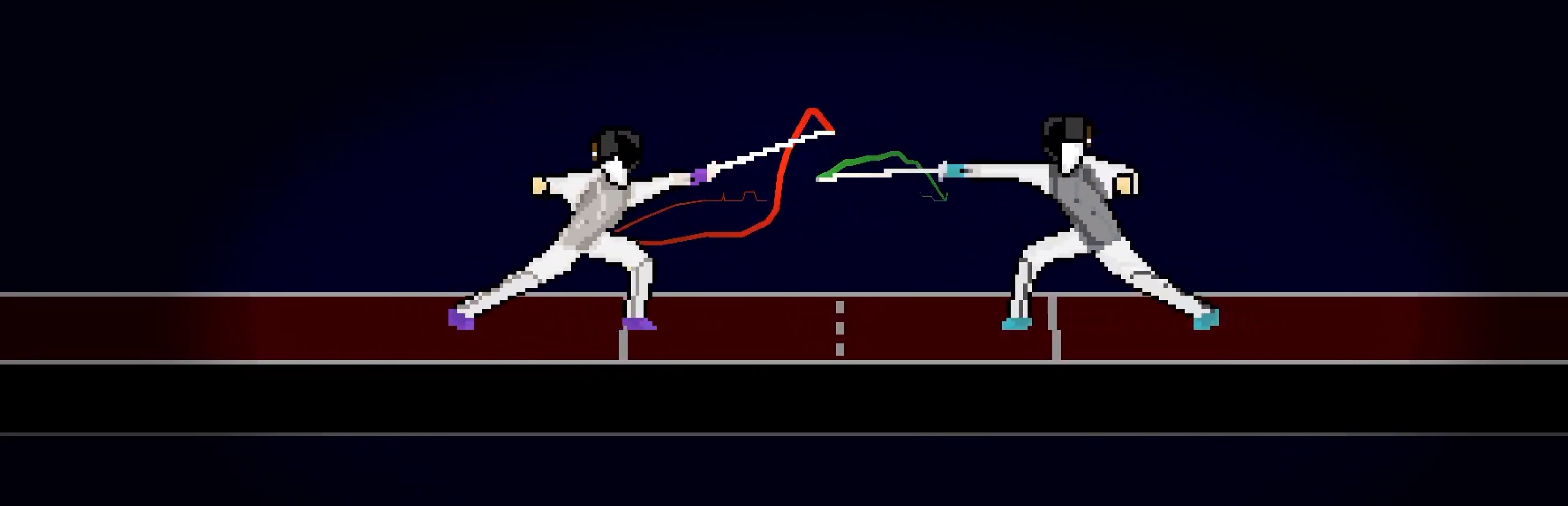 Next came what they inspired: entire body trails.
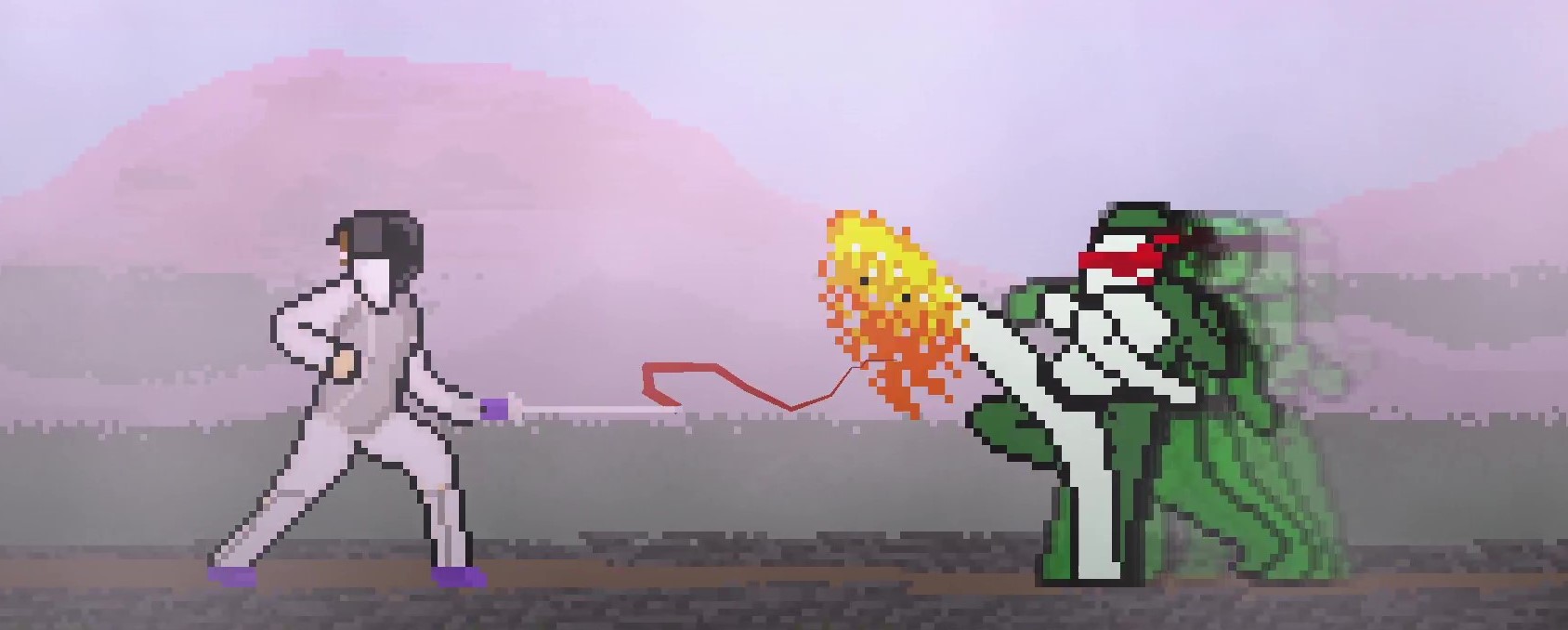
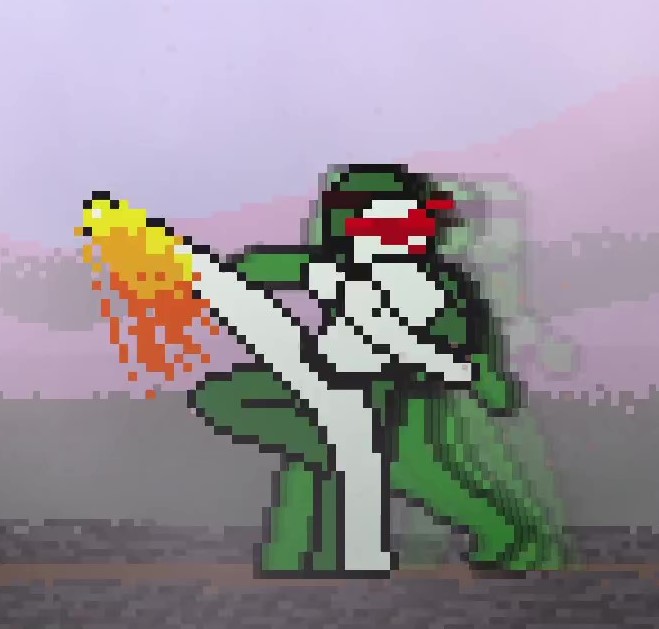
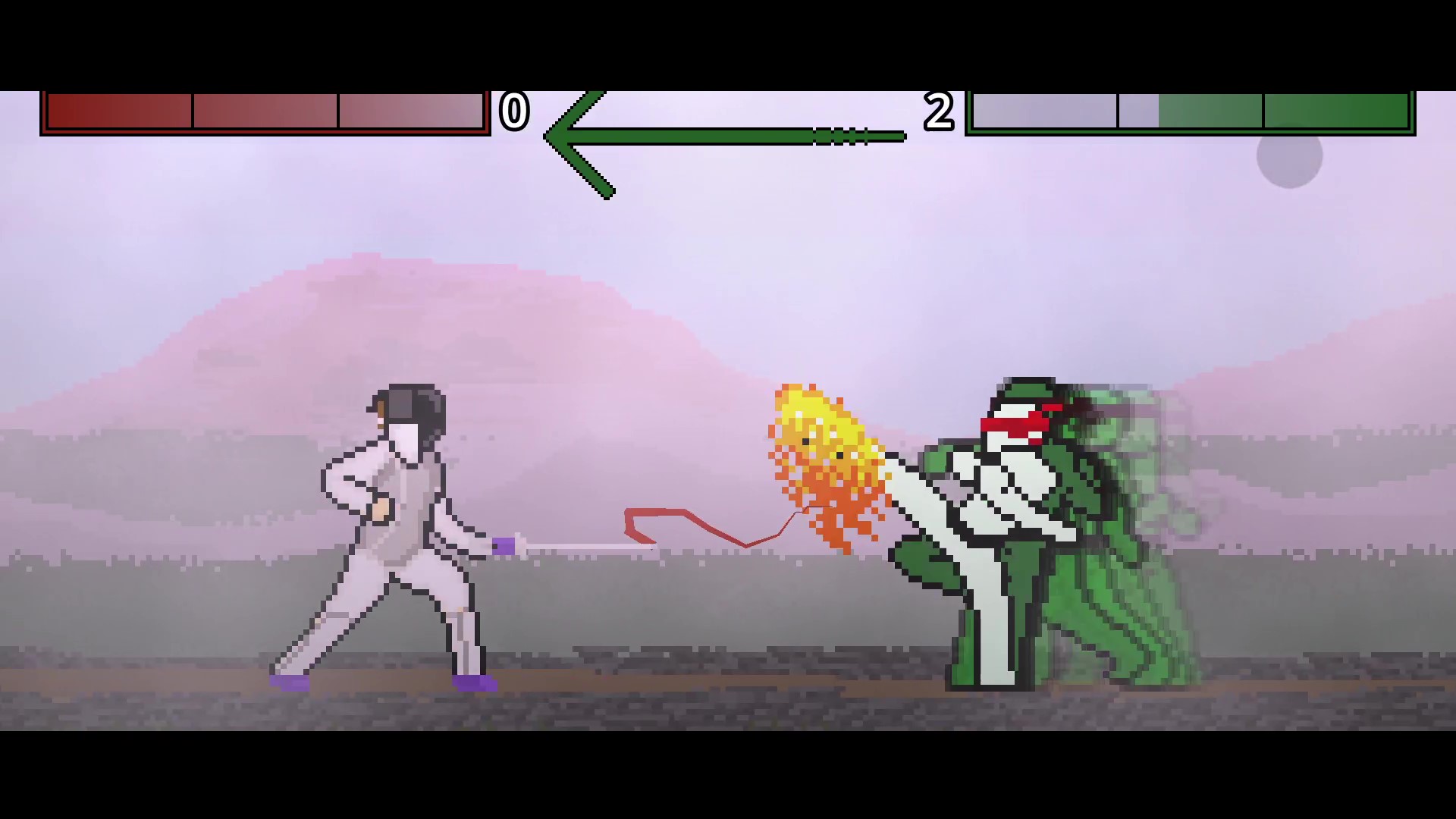
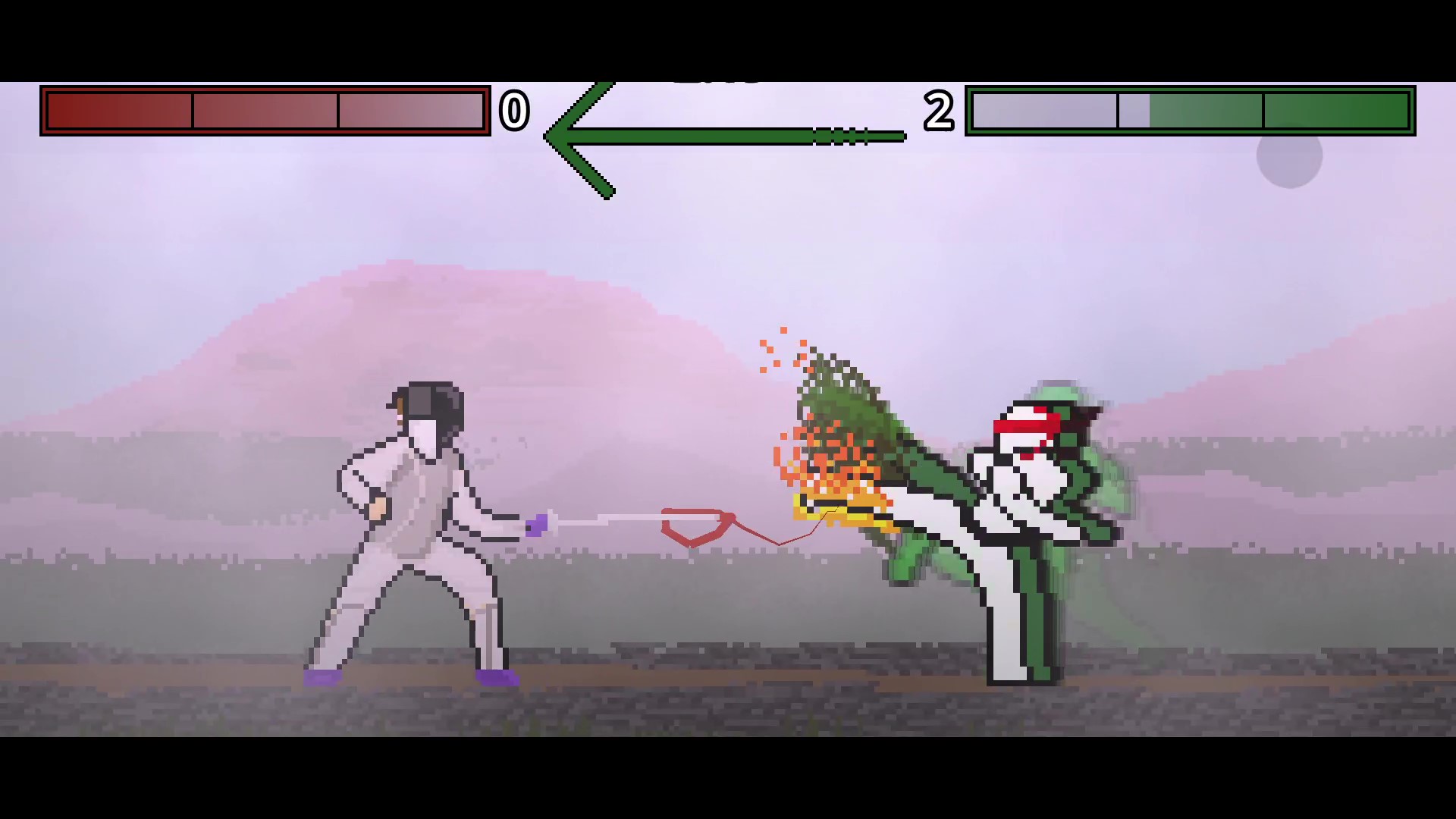
As the player moves, duplicates of their sprite follow. Well, only the player possessing right of way has this trail; this acts as a visual indicator of who has priority.
While the right of way arrow at the top was a great addition, I do not expect players to look over the combat and watch the arrow slowly transition. The player should focus on the fencing in-front of them–but, if they do not understand the right of way rule fully, they still need a visual guide. Which became the body trail.
The trail system from before provided much of the logic for the body trail script. However, the key differences are:
| Blade Trail | Body Trail |
|---|---|
| Both players | Whoever has right of way |
| Instantaneous | Delayed |
| Follows the tip of the blade | Follows the entire sprite (even as it animates) |
| Detects the best position via an algorithm | Detects appearance via the character Sprite2D’s variables |
| Color changes over a gradient | Color is hard-set (but blends into transparency) |
| Many invisible points | Many faded sprites |
Fortunately, the code was not even half as difficult as the trails’. There’s only one part that’s worth covering: how the body trail sprites replicate the original sprite. First, the attributes of the sprite are stored as past “states”. This enables the delay effect since the past states can be cycled through at whichever frame displacement you want. Confused? Think of it this way: the sprite has values like position and scale, right? These are stored in an array (a list basically)! Before that, we set how long we want the delay to be–2 frames out of 60fps, 6 frames, 30 frames (or half a second), etc. Then, as the game runs, we go backwards through the stored states to access a sprite that was, say, 6 frames back-in-time. Therefore, as you do your attacks and stuff, there is a sprite behind you that is 6 frames in the past.
Maybe looking at code will help? Storing the states:
func _record_history() -> void:
	# Store the current sprite state
	_history.append({
		"position": sprite.global_position,
		"rotation": sprite.global_rotation,
		"scale":    sprite.global_scale,
		"frame":    sprite.frame,
		"flip_h":   sprite.flip_h,
		"flip_v":   sprite.flip_v,
	})

	# Only keep as much history as we need
	var max_history := frame_delay + trail_length + 1
	while _history.size() > max_history:
		_history.pop_front()
Great, now the specific values we need are stored. Awesome. high five Finally, let’s set the cloned sprites to match these moments in history. Accessing the states:
func _shift_clones() -> void:
	if _history.is_empty():
		return

	for i in range(_clones.size()):
		var state := _get_delayed_state(i)
		var clone := _clones[i]

		clone.texture         = sprite.texture
		clone.hframes         = sprite.hframes
		clone.vframes         = sprite.vframes
		clone.global_position = state["position"]
		clone.global_rotation = state["rotation"]
		clone.global_scale    = state["scale"]
		clone.frame           = state["frame"]
		clone.flip_h          = state["flip_h"]
		clone.flip_v          = state["flip_v"]
		clone.visible         = true
Done! mostly. there is still stuff of course–specifically about modulation–but we covered the most important part.
Want the rest?
extends Node2D

@onready var sprite: Sprite2D = $"../Sprite2D"
@onready var anim_player: AnimationPlayer = $"../AnimationPlayer"

var enabled := false
var trail_length: int = 11
var trail_fade: bool = true
var frame_delay: int = 5  # how many frames behind the trail starts

var gradient: Gradient = Gradient.new()

var _clones: Array[Sprite2D] = []
var _history: Array[Dictionary] = []  # ring buffer of past sprite states


func _ready() -> void:
	if sprite.flip_h:
		gradient.set_color(0, Color(0, 1, 0, 0))
		gradient.set_color(1, Color("#215a25")) #green
	else:
		gradient.set_color(0, Color(1, 0, 0, 0))
		gradient.set_color(1, Color("#862415")) #red

	anim_player.animation_changed.connect(_on_animation_changed)

	for i in range(trail_length):
		var clone := Sprite2D.new()
		_sync_clone_to_sprite(clone)
		clone.visible = false
		add_child(clone)
		_clones.append(clone)


func _process(delta: float) -> void:
	_record_history()
	_shift_clones()
	for clone in _clones:
		if not enabled:
			clone.self_modulate.a = move_toward(clone.self_modulate.a,0.0,delta*3)
		else:
			clone.self_modulate.a = move_toward(clone.self_modulate.a,1.0,delta*3)


# ── History Recording ─────────────────────────────────────────────────────────

func _record_history() -> void:
	# Store the current sprite state
	_history.append({
		"position": sprite.global_position,
		"rotation": sprite.global_rotation,
		"scale":    sprite.global_scale,
		"frame":    sprite.frame,
		"flip_h":   sprite.flip_h,
		"flip_v":   sprite.flip_v,
	})

	# Only keep as much history as we need
	var max_history := frame_delay + trail_length + 1
	while _history.size() > max_history:
		_history.pop_front()


func _get_delayed_state(clone_index: int) -> Dictionary:
	# clone_index 0 = oldest/tail, size-1 = newest/head
	# Each clone is spaced one frame apart, starting at frame_delay behind
	var offset := frame_delay + (_clones.size() - 1 - clone_index)
	var history_index := _history.size() - 1 - offset

	if history_index < 0:
		# Not enough history yet — use oldest available
		return _history[0]

	return _history[history_index]


# ── Animation Change ──────────────────────────────────────────────────────────

func _on_animation_changed(_old_name: StringName, _new_name: StringName) -> void:
	for clone in _clones:
		_sync_clone_to_sprite(clone)


# ── Clone Trail ───────────────────────────────────────────────────────────────

func _shift_clones() -> void:
	if _history.is_empty():
		return

	for i in range(_clones.size()):
		var state := _get_delayed_state(i)
		var clone := _clones[i]

		clone.texture         = sprite.texture
		clone.hframes         = sprite.hframes
		clone.vframes         = sprite.vframes
		clone.global_position = state["position"]
		clone.global_rotation = state["rotation"]
		clone.global_scale    = state["scale"]
		clone.frame           = state["frame"]
		clone.flip_h          = state["flip_h"]
		clone.flip_v          = state["flip_v"]
		clone.visible         = true

		var t := float(i) / (_clones.size() - 1)
		var sampled := gradient.sample(t)

		if trail_fade:
			sampled.a *= t

		clone.modulate = sampled


# ── Sync Helper ───────────────────────────────────────────────────────────────

func _sync_clone_to_sprite(clone: Sprite2D) -> void:
	clone.texture         = sprite.texture
	clone.hframes         = sprite.hframes
	clone.vframes         = sprite.vframes
	clone.frame           = sprite.frame
	clone.flip_h          = sprite.flip_h
	clone.flip_v          = sprite.flip_v
	clone.offset          = sprite.offset
	clone.centered        = sprite.centered
	clone.global_position = sprite.global_position
	clone.global_rotation = sprite.global_rotation
The coolest visual feature ever
How the rule of priority was programmed
Look how far Right of Way has come!